Further roles with permissions
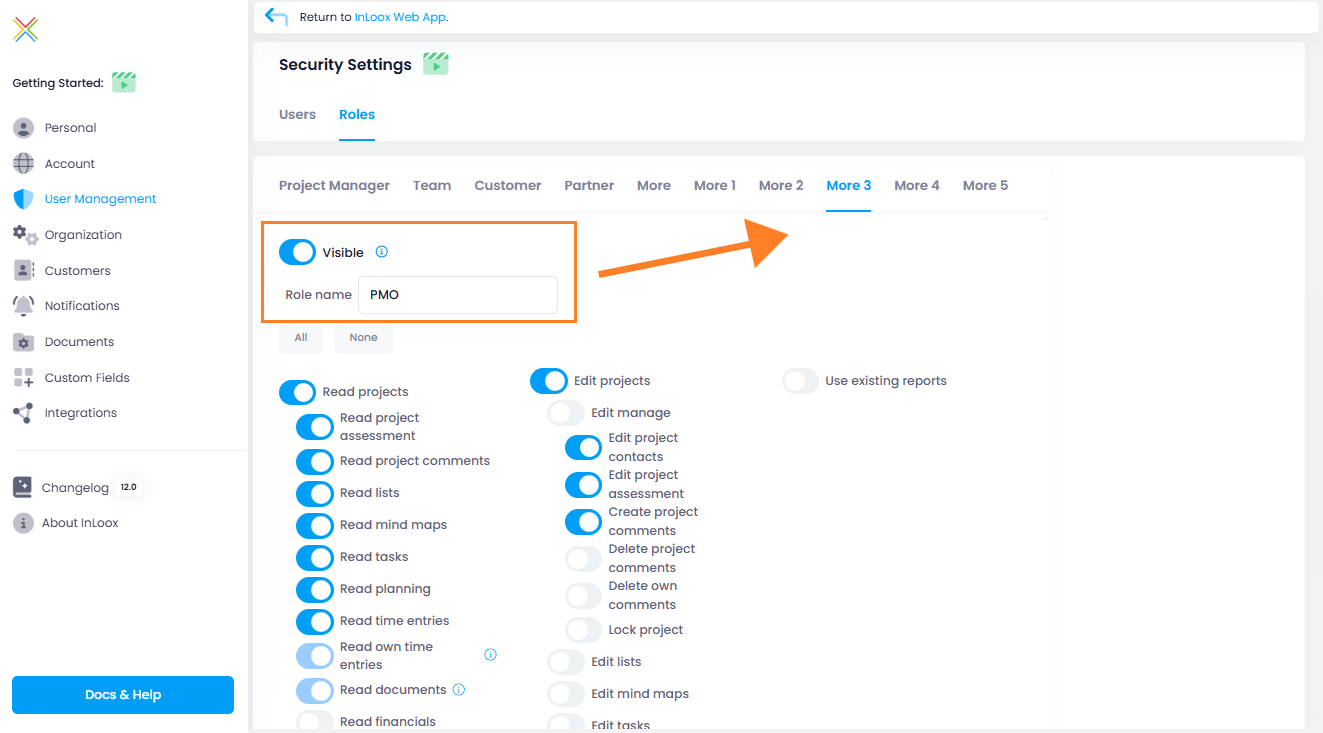
For InLoox Enterprise Plus and InLoox On-Premise accounts, admins can define 5 further project roles with individual prermissions.
- Click on your profile picture and then on Account Settings.
- Click on User Management. In the section Security Settings, click on the tab Roles.
- Select one of the five More roles and define them by:
- making them visible (only visible roles can be used for projects)
- giving them a new name,
- giving them reading and editing permissions.
These roles are now availble in your projects and you can assign these roles to people.