Multi-project dashboard templates
InLoox Web App has several dashboard templates that we provide you with and which are ready-to-use. These are:
| Name | Description | Dashboard Image |
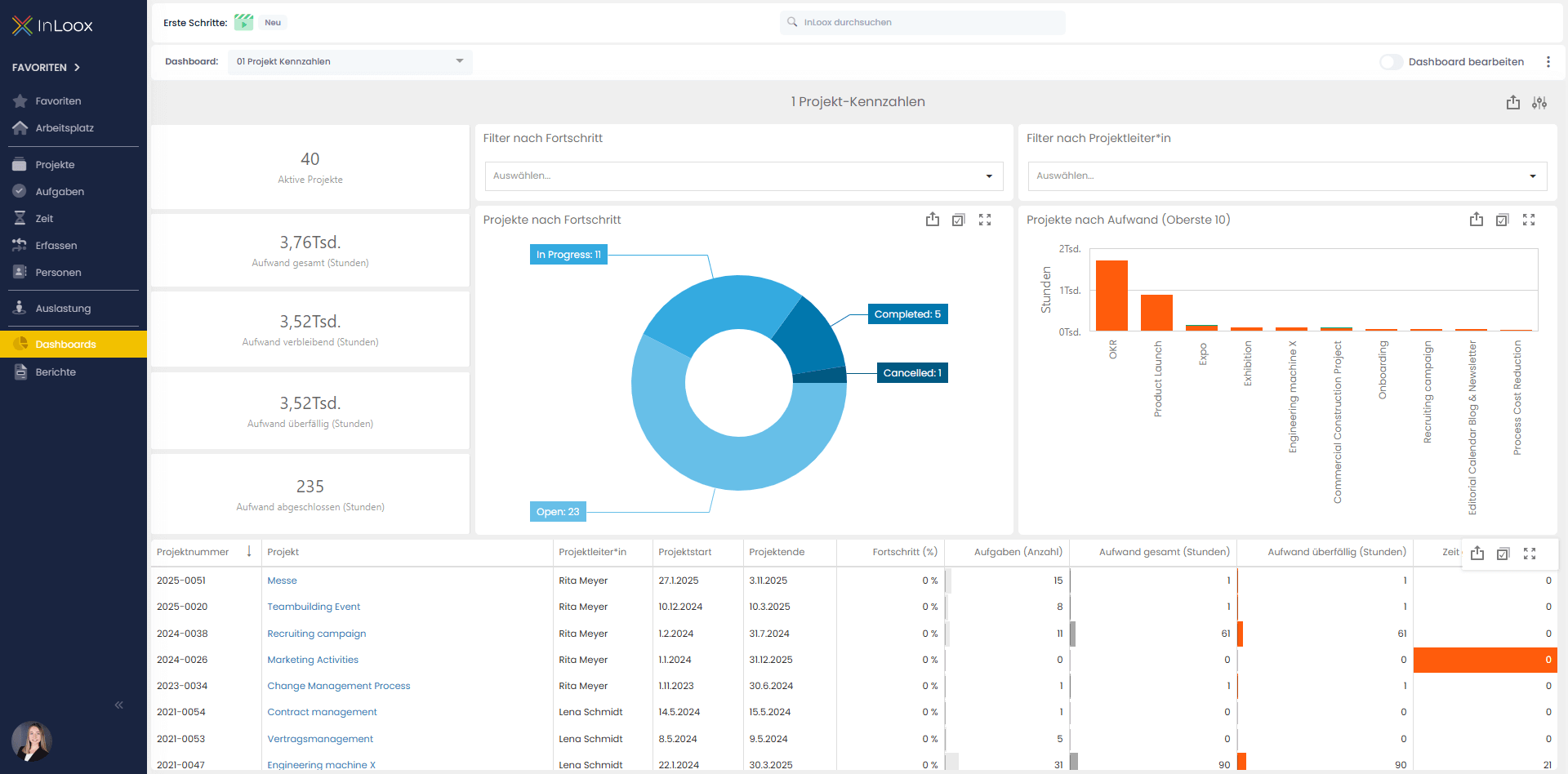
| Project KPIs | This dashboard provides an overall view of all projects with key metrics such as number, progress, effort (planned, remaining, overdue, completed), and the largest projects by effort. |
|
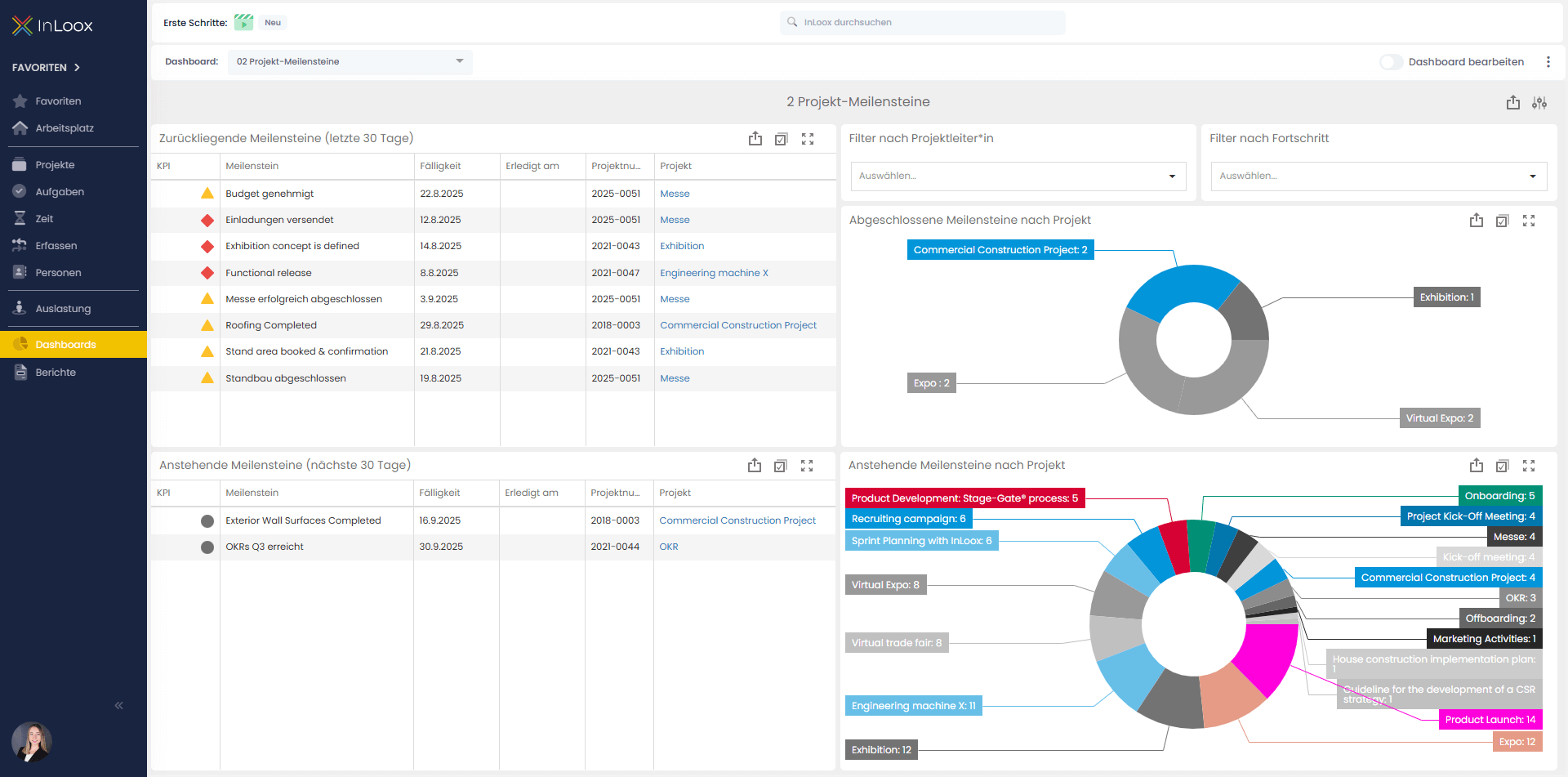
| Project Milestones | This dashboard shows all important achieved and upcoming milestones of projects within a defined time frame. It helps make project progress transparent, highlight delays, and keep track of the next crucial project steps. |
|
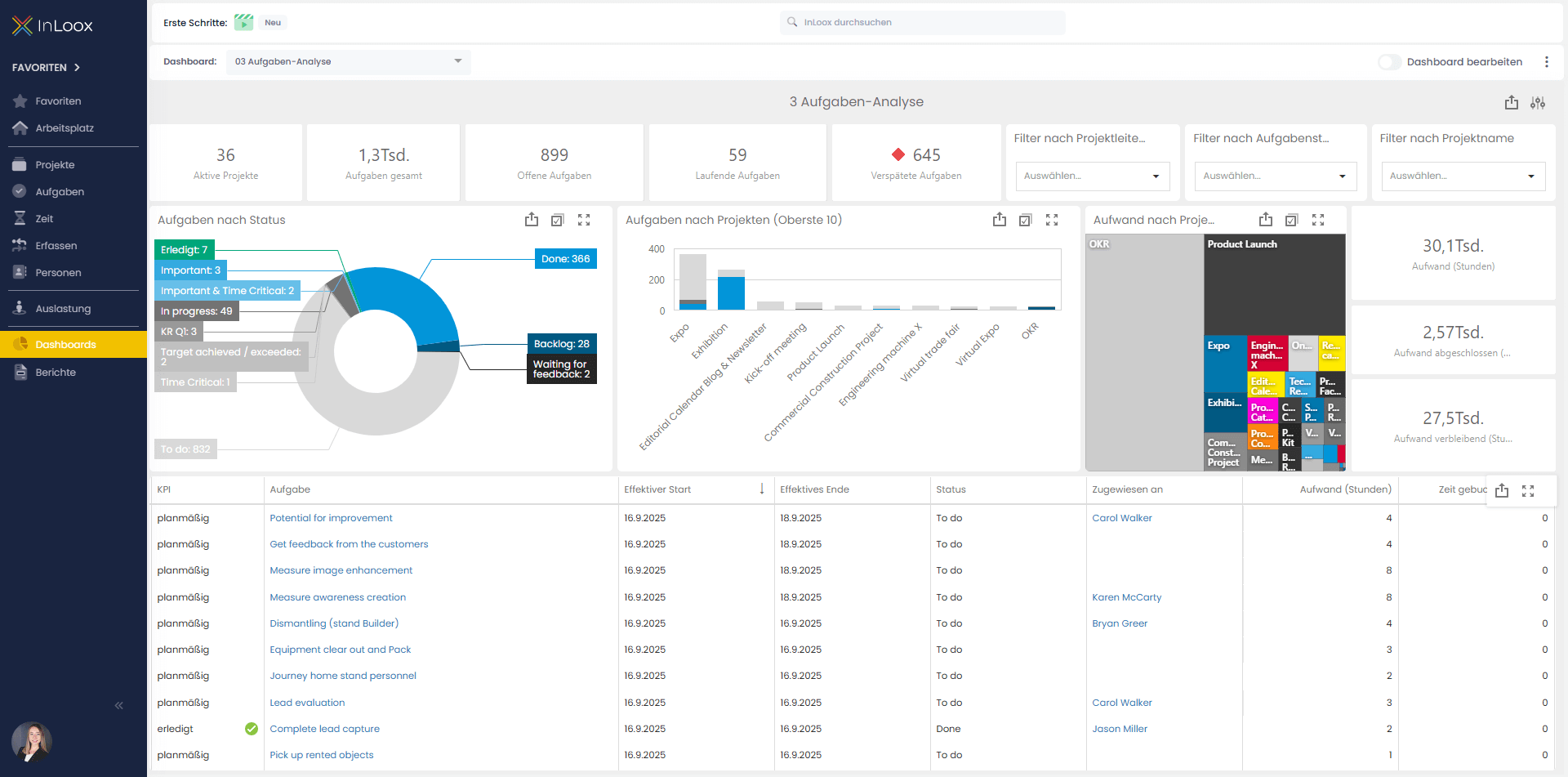
| Task Insights | This dashboard provides an overview of all tasks in the organization, broken down by status, projects, and effort. It helps identify open, ongoing, or delayed tasks quickly, visualize task distribution across projects, and support prioritization and capacity management. |
|
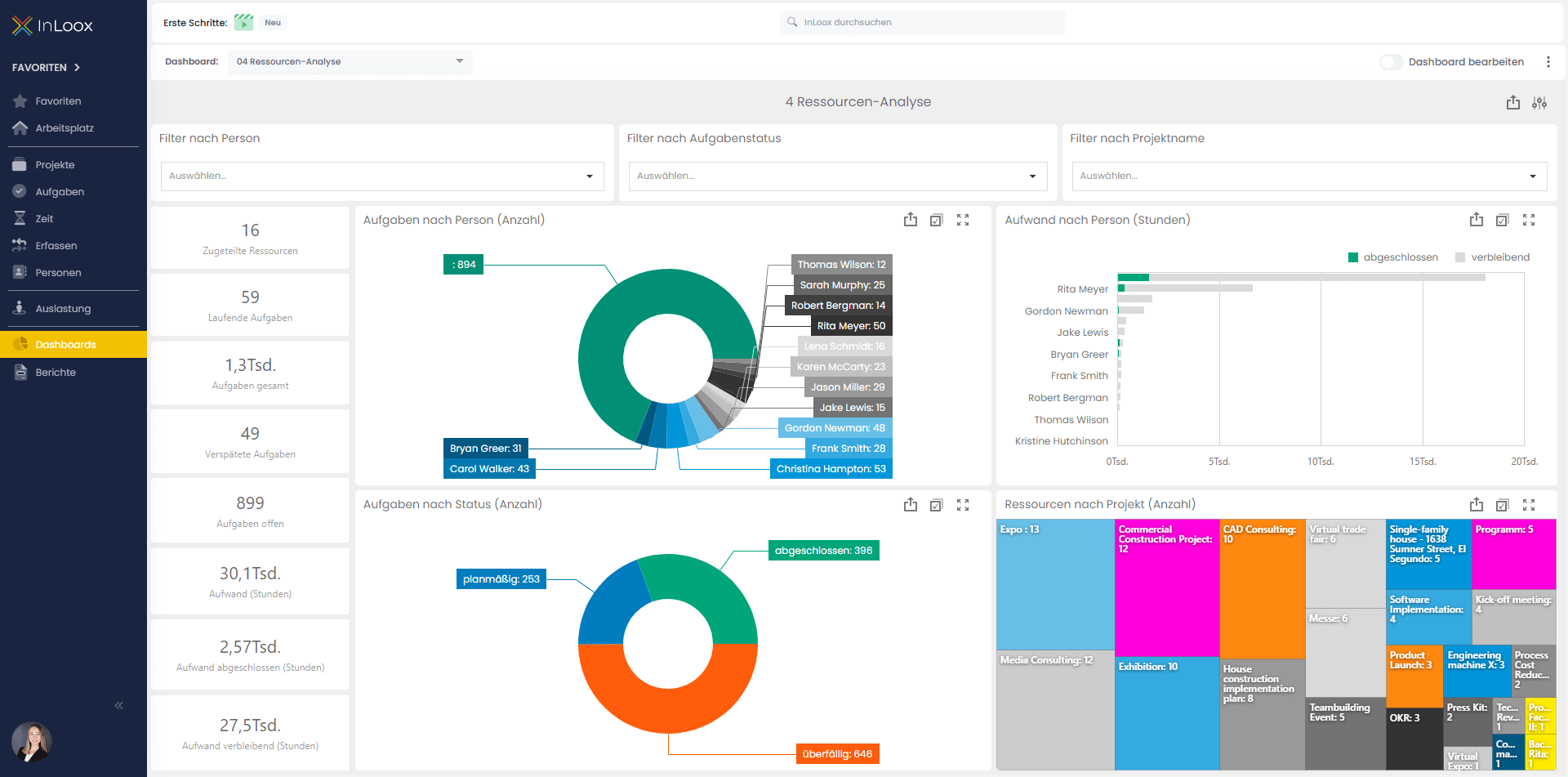
| Resource Insights | This dashboard shows workload and task distribution by people, projects, and status. It helps make resource utilization transparent, identify bottlenecks or overloads, and enable better planning and management of tasks and workloads. |
|
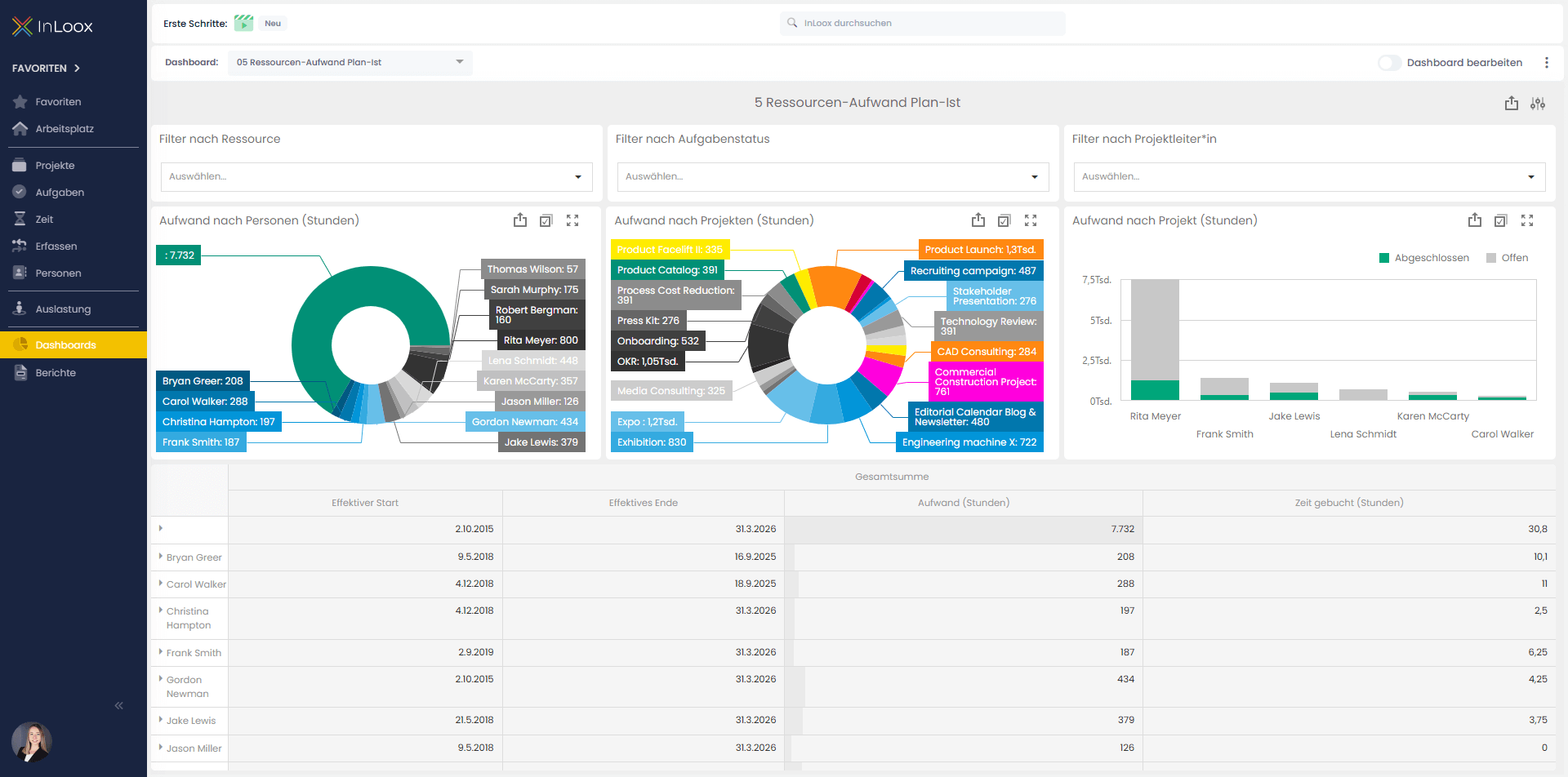
| Resource Effort Plan-Actual | This dashboard enables a direct comparison of planned resource efforts and the actual tracked time for tasks. Use these insights to identify where adjustments are needed and to make future effort planning more effective. |
|
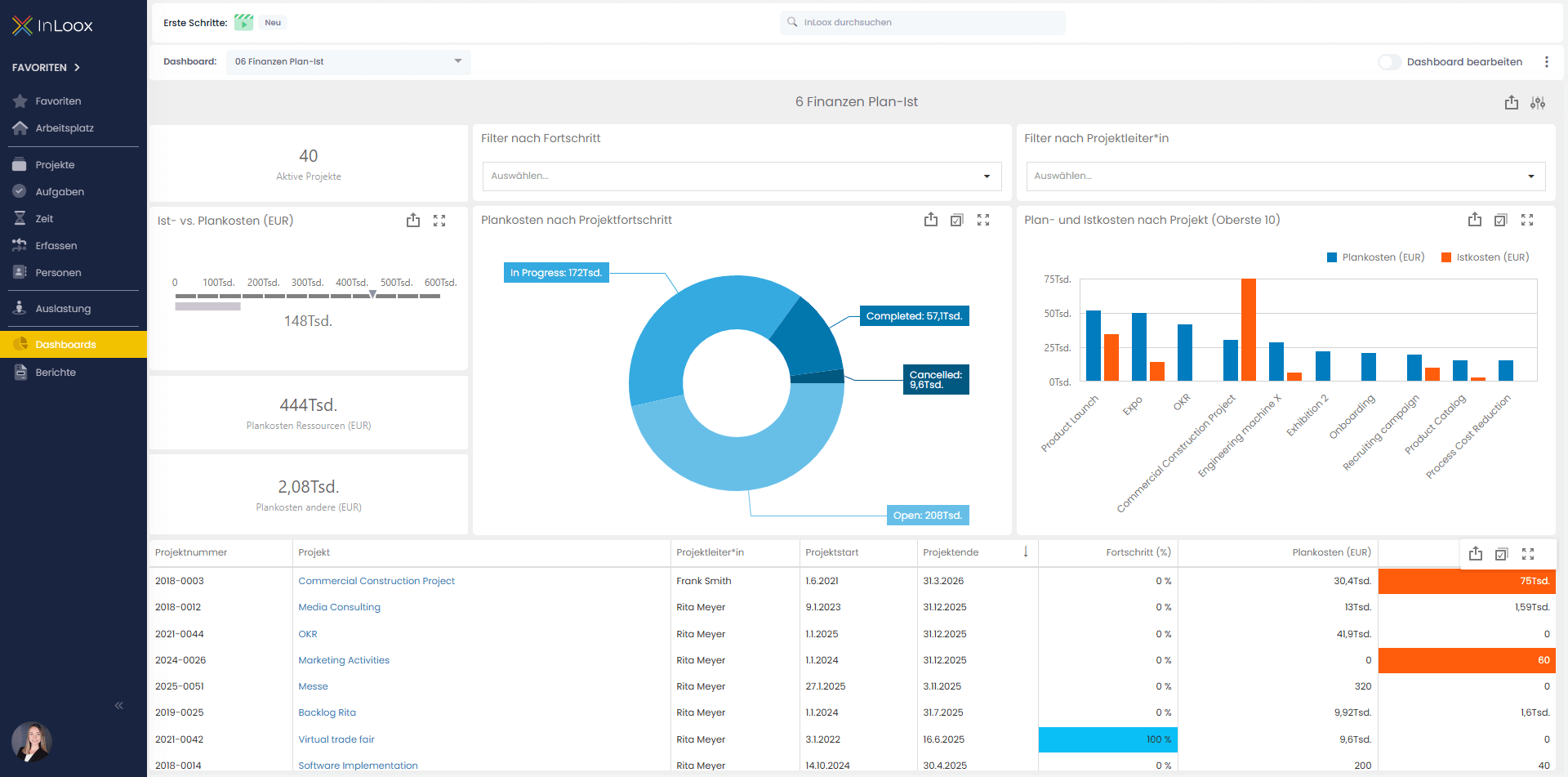
| Financials Plan-Actual | This dashboard compares planned and actual project costs and displays them by project progress and projects. It helps make cost deviations transparent, identify cost drivers early, and support financial control and budget management. |
|
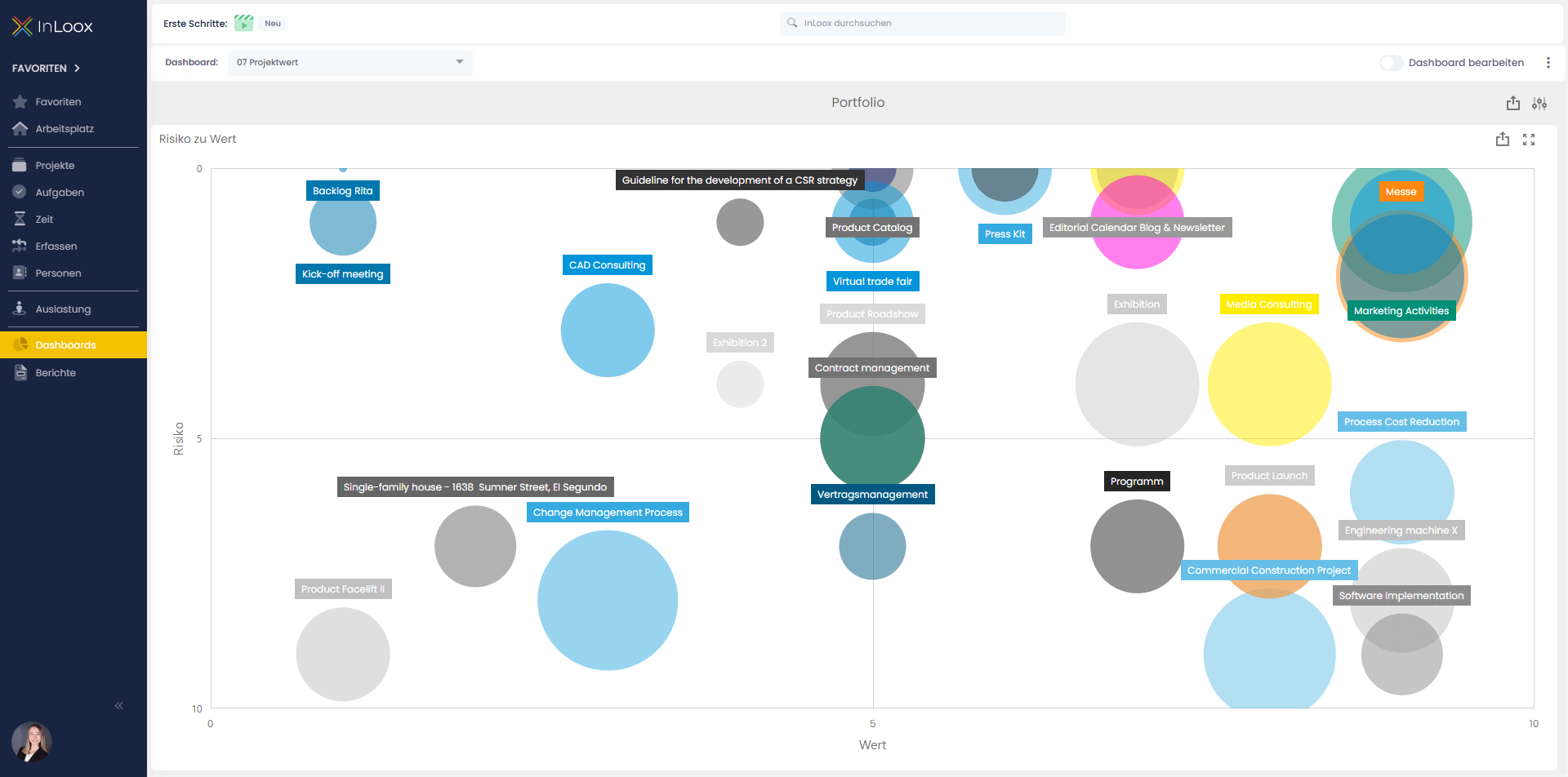
| Project Value | This dashboard is specifically designed for portfolio management and provides an intuitive and visually appealing way to evaluate and analyze projects. In the dashboard, your projects are displayed in a matrix based on the key dimensions of risk and value, each on a scale from 1 to 10. |
|
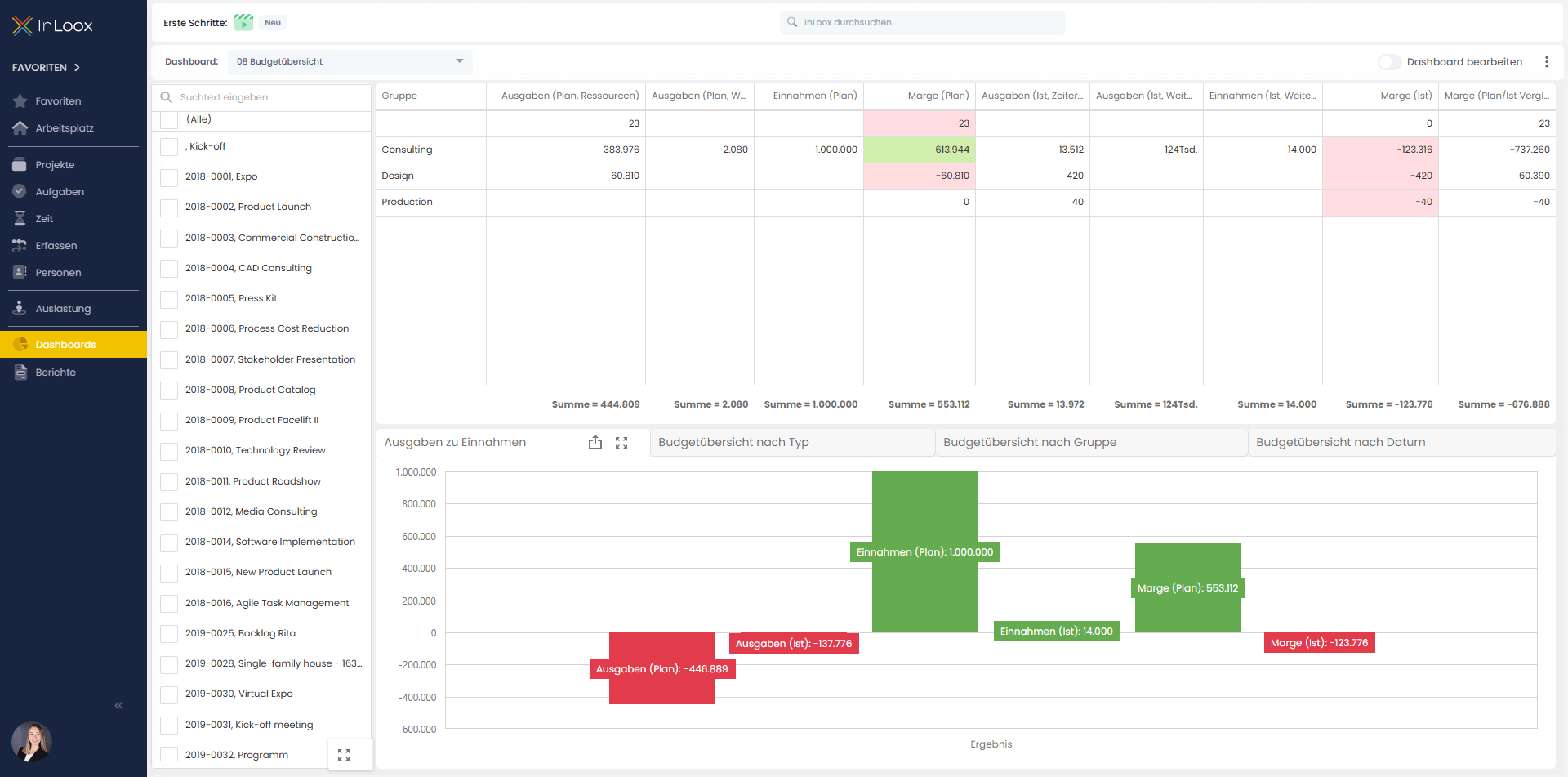
| Budget Overview | This dashboard displays planned vs. actual expenses, revenues, and margins by groups, projects, and time periods. It helps to get a quick view of the financial situation, identify variances between planning and actuals, and support budget control and project management. |
|
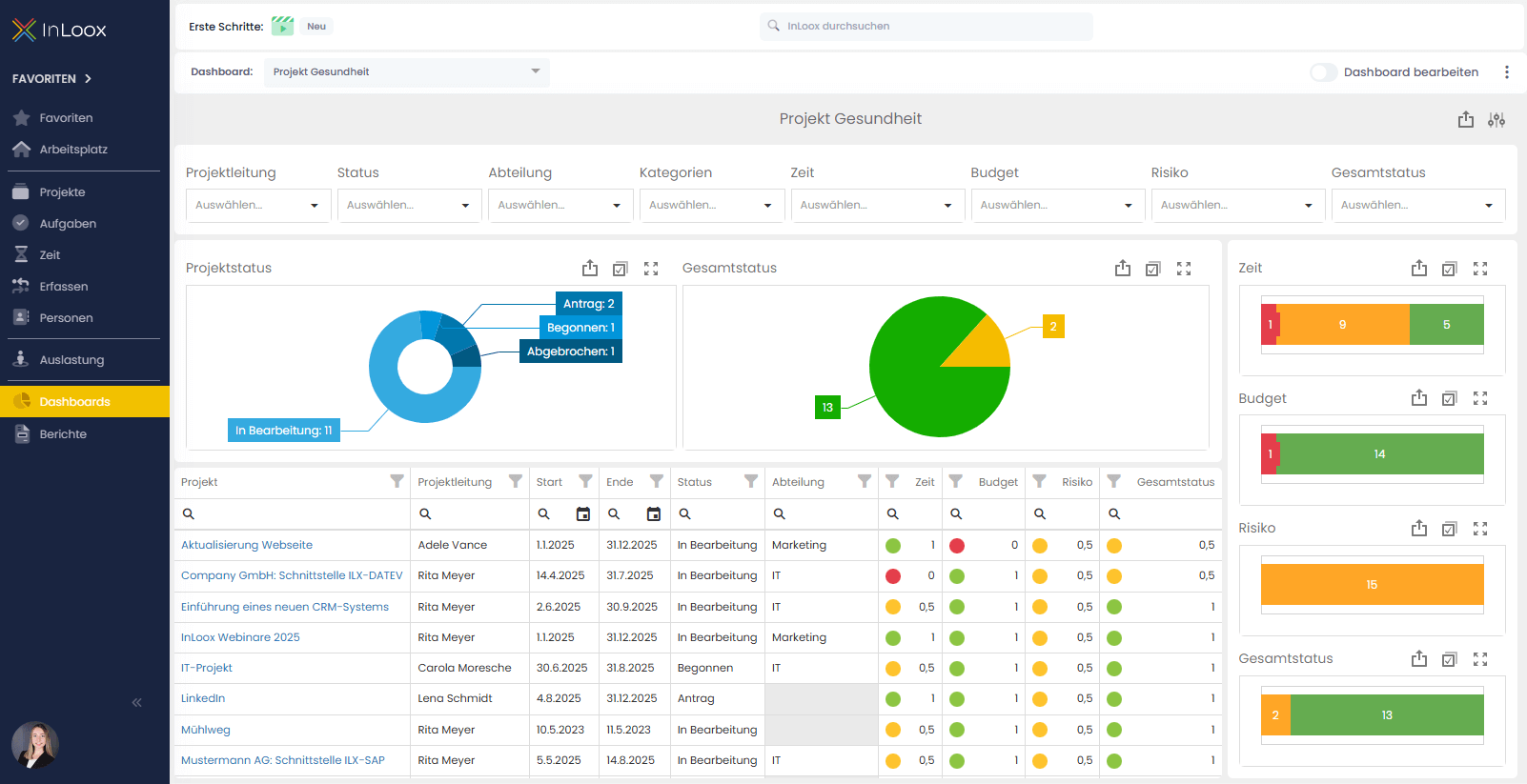
| Project Health | This dashboard shows the current status of all projects based on criteria such as status, time, budget and risk. It helps identify critical projects early, maintain oversight of progress and risks, and take targeted corrective measures. |
|
Info If you have been an existing customer for some time, it is possible that you still have our older templates in your system. You can download the new templates here and afterwards import them.