InLoox for Outlook (Modern Add-in)
With the InLoox for Outlook Modern Add-in, you can extend Outlook with a powerful and intuitive side panel. The add-in is suitable for all InLoox editions.
Note InLoox Cloud customers with M365-Account can download the add-in directly from the Microsoft App Source. All information can be found in the installation instructions »
Download InLoox for Outlook Add-in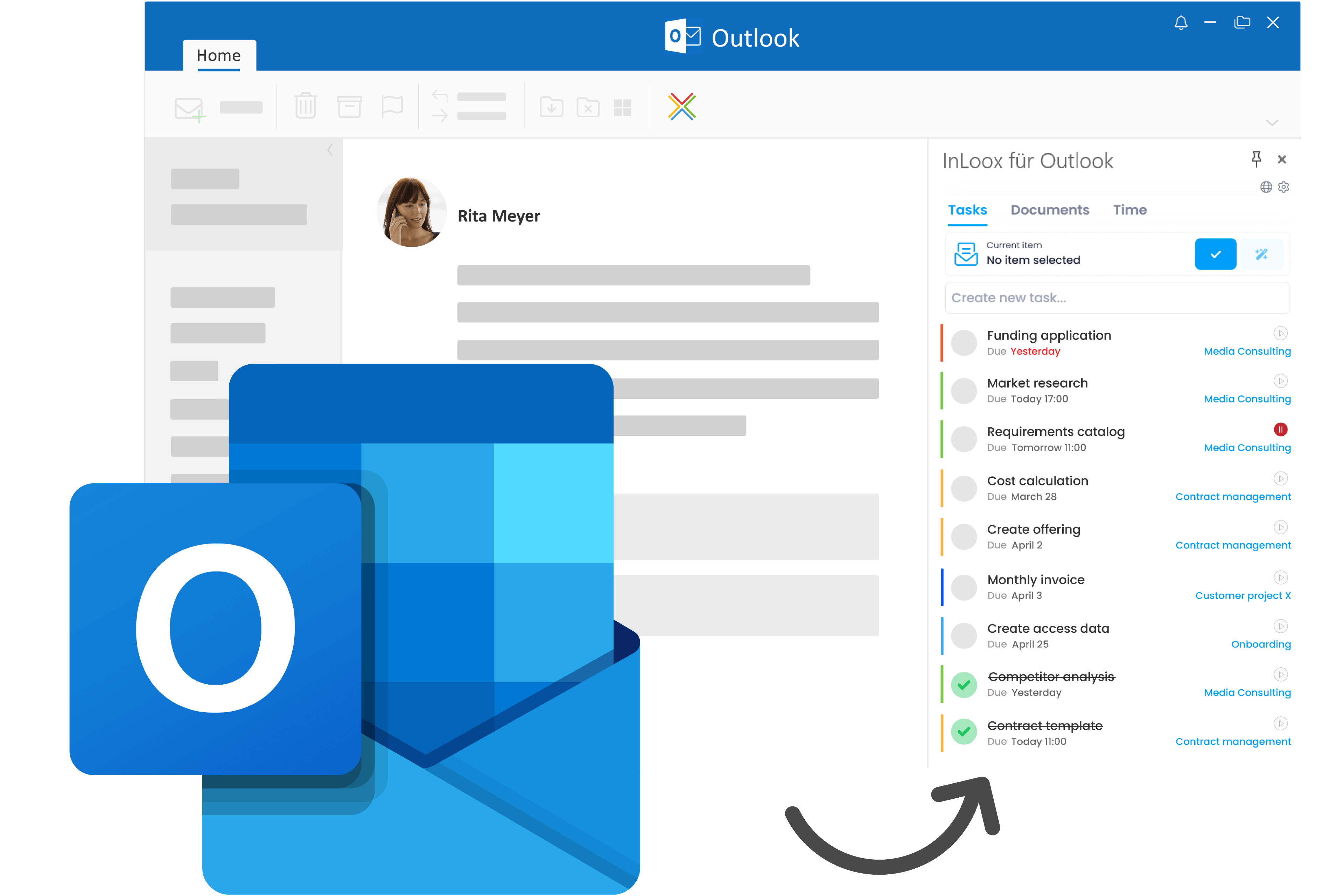
InLoox Self-Hosted Server
To run InLoox on your own servers
For InLoox Self-Hosted Edition only
Version CVERTG (June 8th, 2026)
Find the installation guide here »
Download InLoox Server InstallerInLoox Desktop Tools
For opening documents in-app with File Server
Recommended for InLoox Self-Hosted
Version 12.5
Read the help-article on InLoox Desktop Tools here »
Download InLoox Desktop ToolsInformation on InLoox Self-Hosted
- You only need to download the InLoox Server Installer if you are using InLoox Self-Hosted.
- An update of the InLoox Self-Hosted database is generally possible with every update of the InLoox Self-Hosted server. This depends on the previously installed InLoox version. The InLoox Self-Hosted Installer checks at startup whether an update of the InLoox database is required. If this is the case, it will be displayed accordingly. In this case, we recommend creating a backup of the InLoox databases in advance.
- InLoox 26 Self-Hosted can be installed as a normal update of InLoox 12. If you are still using InLoox 10 or older, please contact our support team.
Have you checked out the new InLoox Help Center at docs.inloox.com? Every help article, video tutorial and support article in one place. Clearly structured, easily searchable and with an AI assistant. »
More information

System Requirements
Please note the system requirements for user computers and InLoox network versions.

Installation Guide
Do you need help with the installation? Our installation whitepapers will help you getting started.


Download Archive
Are you looking for an older InLoox product version? Here you can contact our support team.